After clicking on or creating and saving a pin, create a custom trade area by following the below steps:
- Click 'Add' next to 'Trade Area'
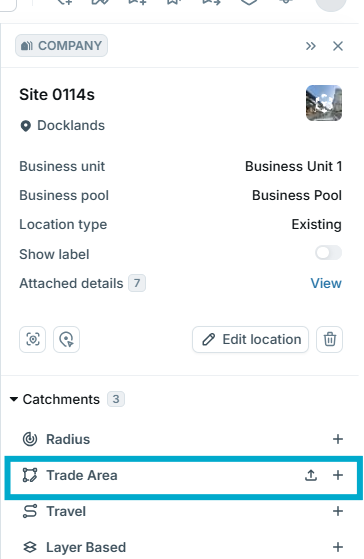
- Begin left-clicking on the map to create the boundary of your catchment
- Double-click on the final point of your catchment to finalise
- If you need to edit the catchment once you have finalised it, hover your mouse over the edge you wish to adjust and drag the orange circle that appears to the desired area.
- Title your catchment
- Click ‘Create Catchment’