
AVAILABLE IN:
- Australia
- New Zealand
- Indonesia
- Malaysia
- India
- Philippines
- Saudi Arabia
- Singapore
- Thailand
- United States
What is a Layer Based Trade Area?
Layer Based Trade Areas allow you to create a catchment from predetermined geographic region (an area that shares certain characteristics, boundaries, or administrative divisions).
To create a Layer Based Trade Area, click on a pin or create and save a pin then open the catchment section.
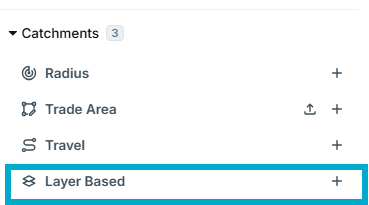
- Click 'Add' next to 'Layer based'
- Select a census year and geographical area
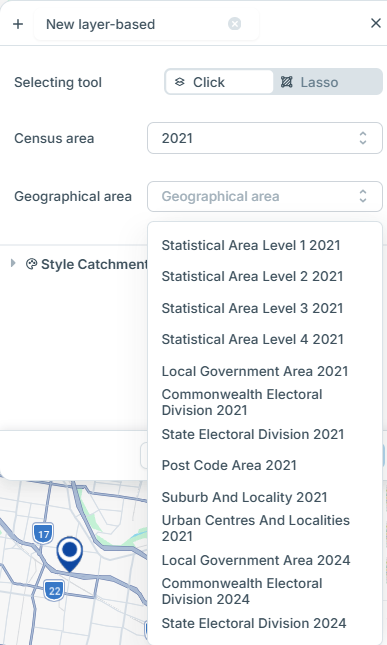
- Select individual areas by clicking each area OR
- To select a large area, select 'Lasso' and use the left button on your mouse to select points on the map. Double click on the final point to lock in the area.
- Name the catchment
- Select ‘Create Catchment’