⚠️ ADMIN ACCESS REQUIRED⚠️
If you do not have Admin access, please reach out to client services via the chat icon or at clientservices@gapmaps.com for assistance.
To customise the display of fields when hovering over a pin in your Company Locations with attached metadata, GapMaps Administrators have the option to toggle which fields display in the pin hover box.
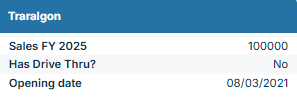
Adjusting which fields are visible
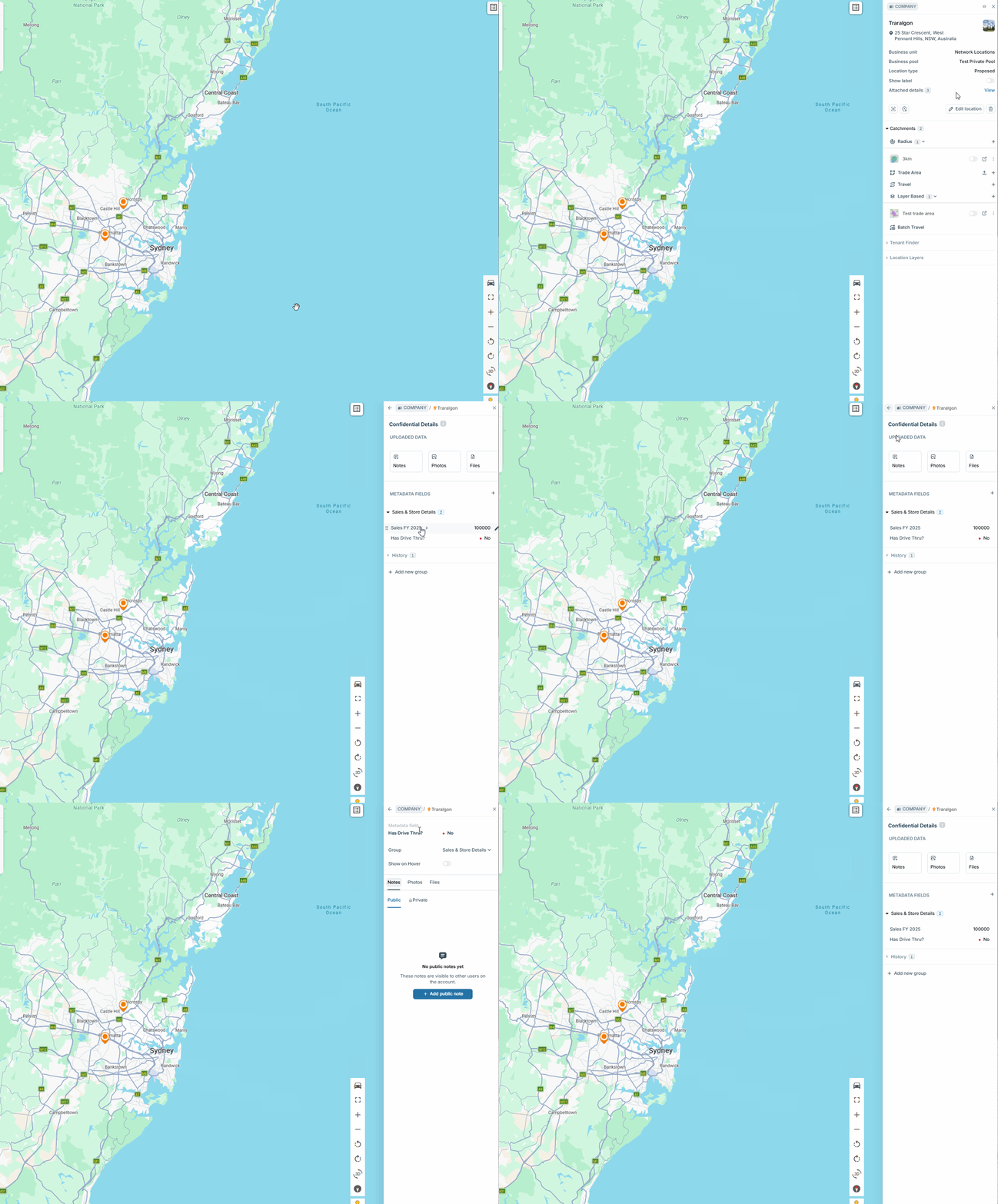
- Click on a pin
- Expand confidential details
- Select the metadata field you wish to toggle
- Turn on the 'show on hover' toggle.