Editing Trade Areas
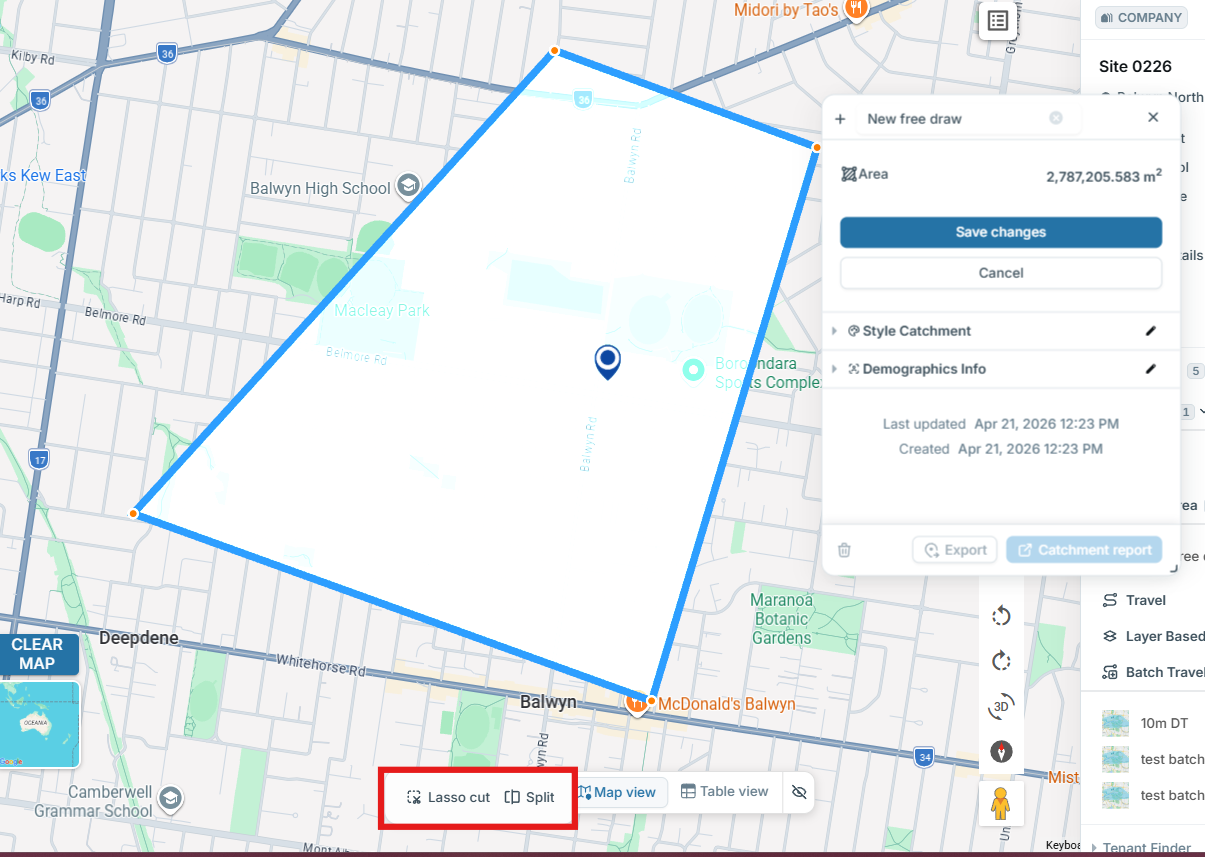
- On any Trade Area catchment click 'Edit'
- Hover over the boundary of the catchment until an orange dot appears to add a new point or click and drag an existing orange dot to your desired location
- If you wish to cut a portion of the trade area out, select 'Lasso cut' to select the area you wish to remove and double click the final point
- Click 'Save'
- To delete the Trade Area, click 'Delete'
Splitting a Trade Area
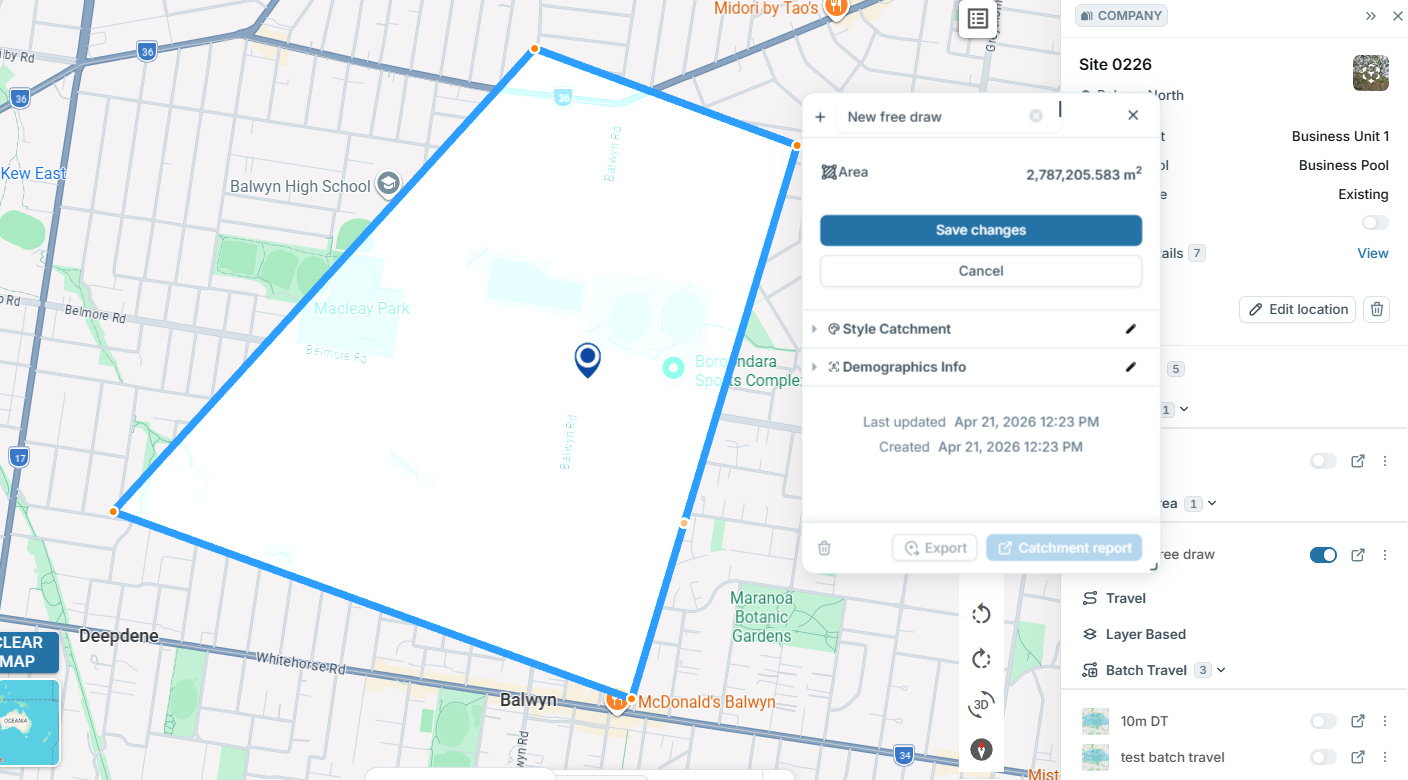
You can split a trade area by selecting 'Split' then select the area you wish to remove from the trade area and double click on the final point. You can then adjust the split as required.