
⚠️ ADMIN ACCESS REQUIRED⚠️
If you do not have Admin access, please reach out to client services via the chat icon or at clientservices@gapmaps.com for assistance.
Accessing Manage Locations
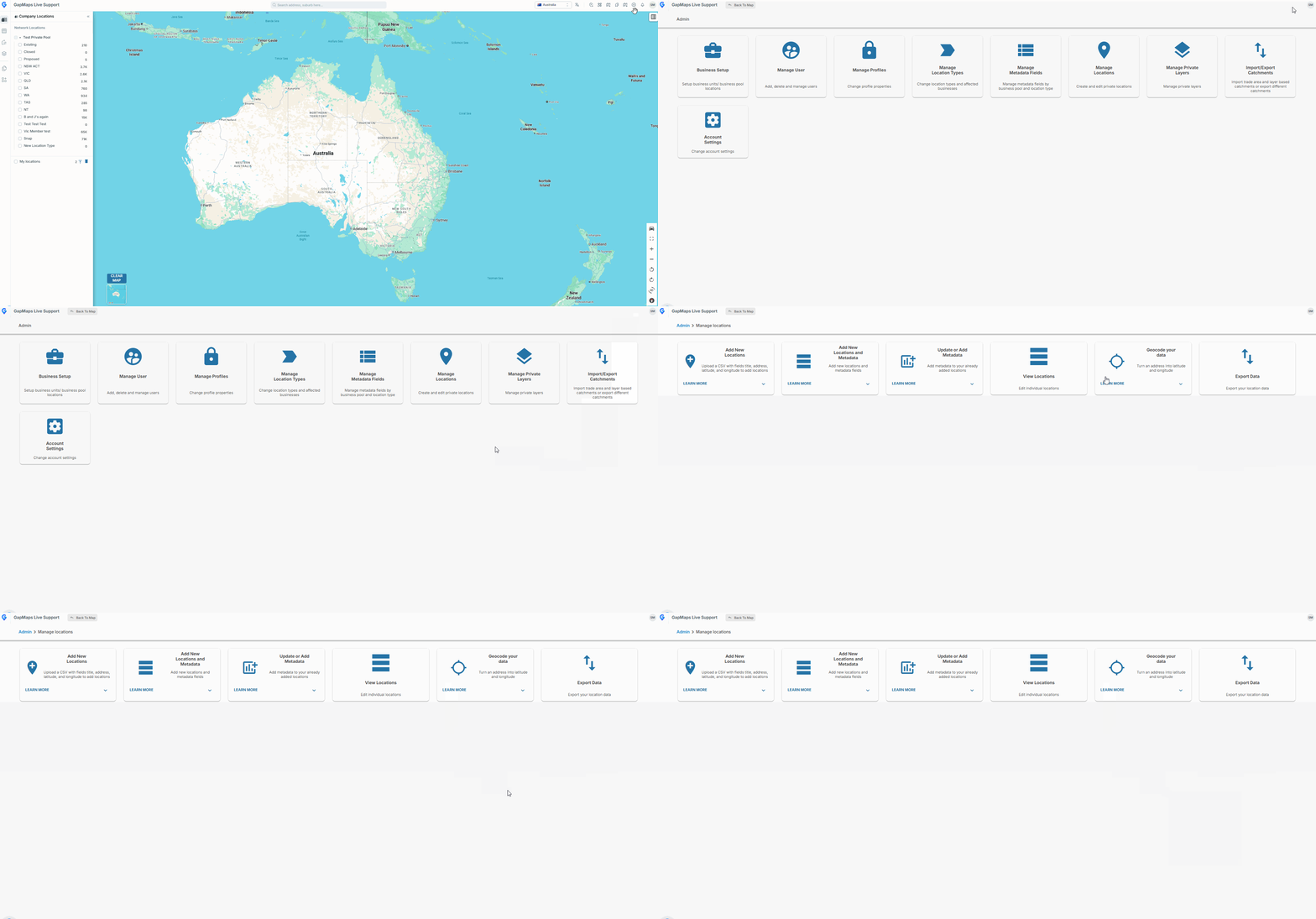
- Click on the cog in the top right corner
- Select 'Admin'
- Click on 'Manage Locations'
Exporting your Locations
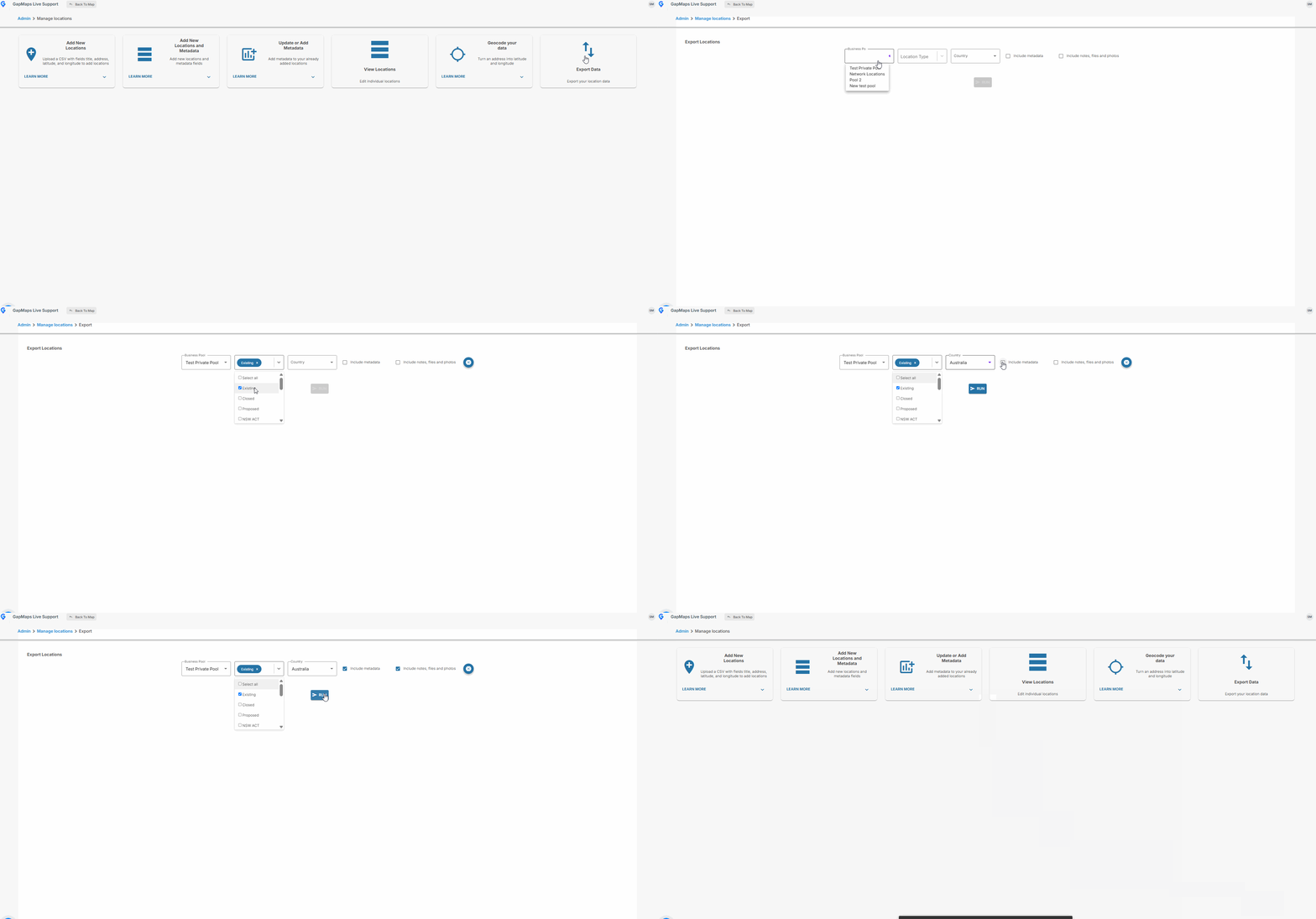
- Select 'Export Data'
- Choose the Business Unit, Location Type, and Country of the data you want to export
- Select whether you wish to include Metadata and Notes, Files and Photos
- The .csv will be emailed to you as an attachment
⚠️ Depending on the amount of locations you are exporting, the email may take up to 10 minutes to arrive