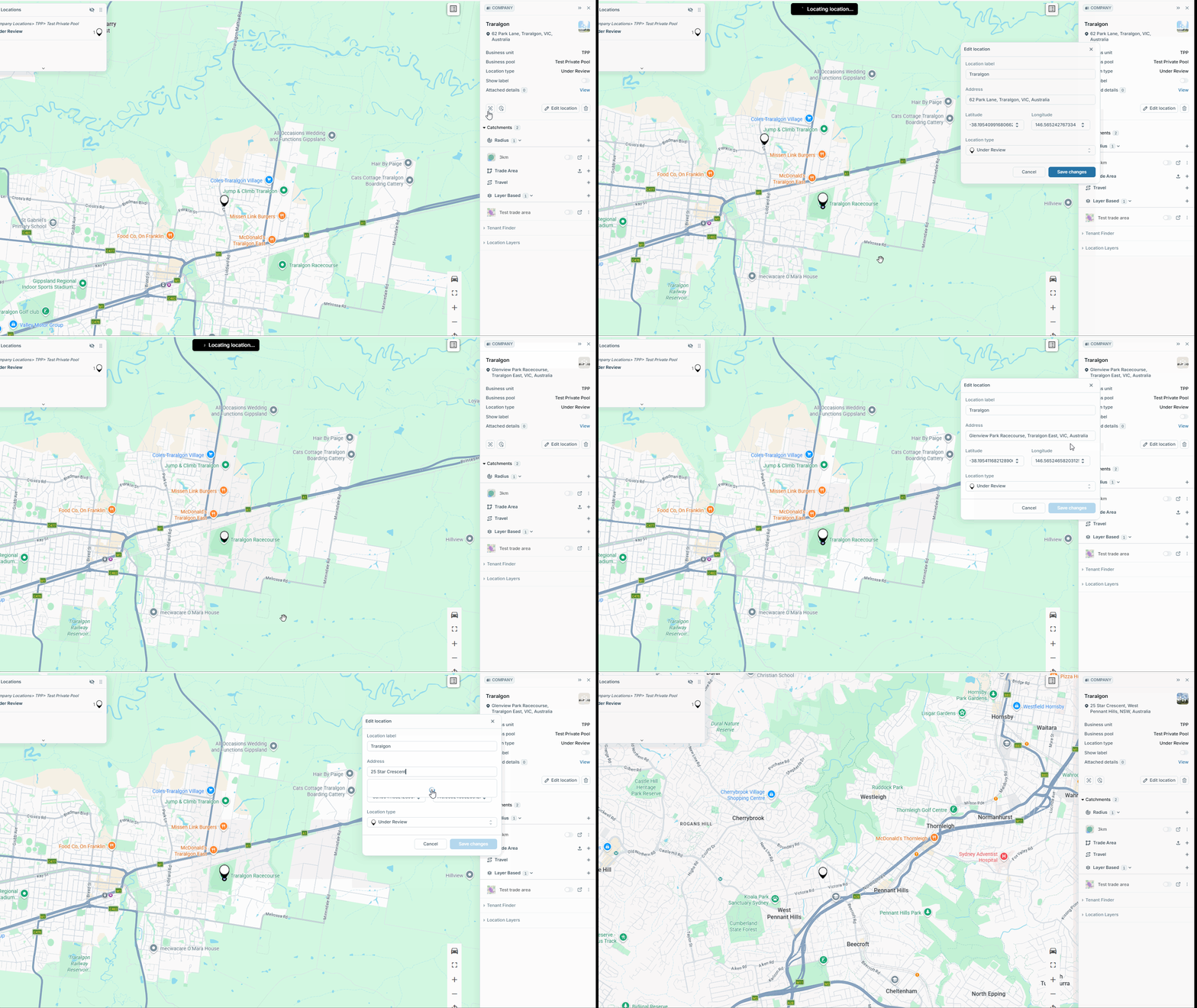
- Click on the pin you wish to move to open the right hand panel
- Select the 'Move Pin' button
- Click and drag the pin to the desired location OR update the address / coordinates of this pin in the pop up
- Click 'Save Changes' **You will be prompted to then either have the default radius remain in its original location or move this to the new location of the pin**
English - Australia
