Visualising a Layer
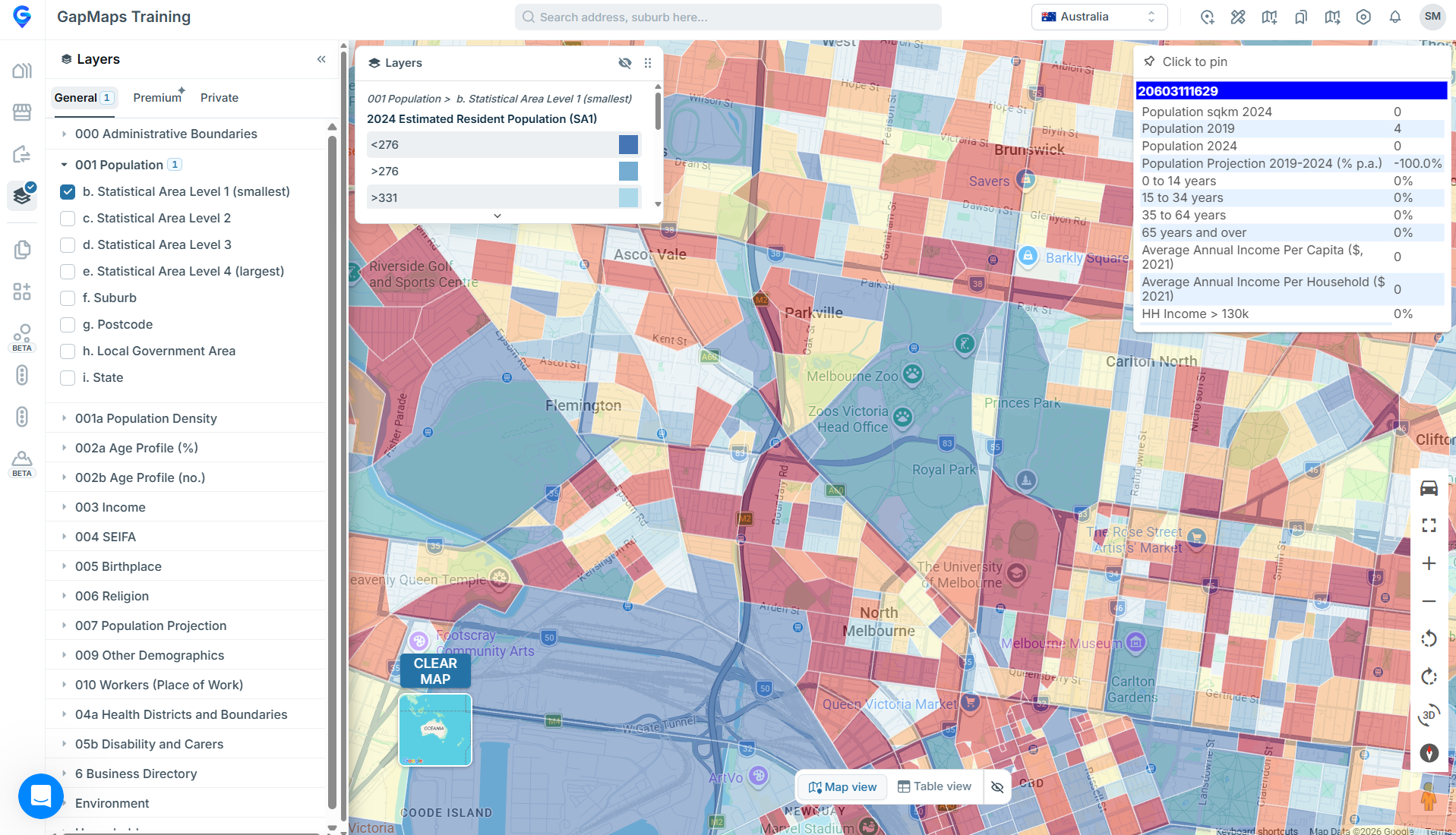
Begin by selecting the Layers module on the left-side panel.
- Expand the layer type you wish to see on the map
- Visualise the layer by clicking the Layers checkbox
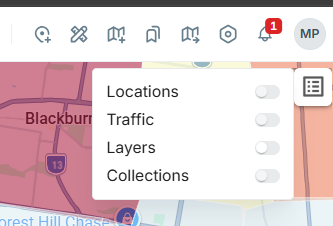
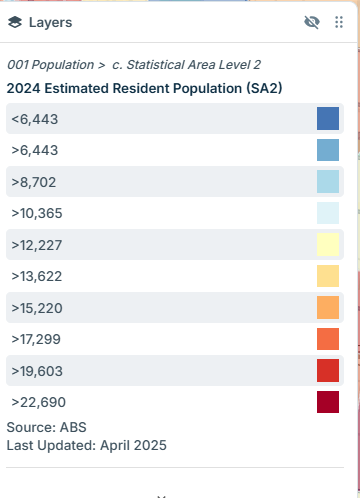
- Toggle the legend on or off using the “Legends” icon in the top right corner of the screen.
- You can move the legend around the map by selecting the six dots in the top right corner, then clicking and dragging.
- Once the layer has appeared, hover your mouse over a section to view the info box in the top right corner of the map
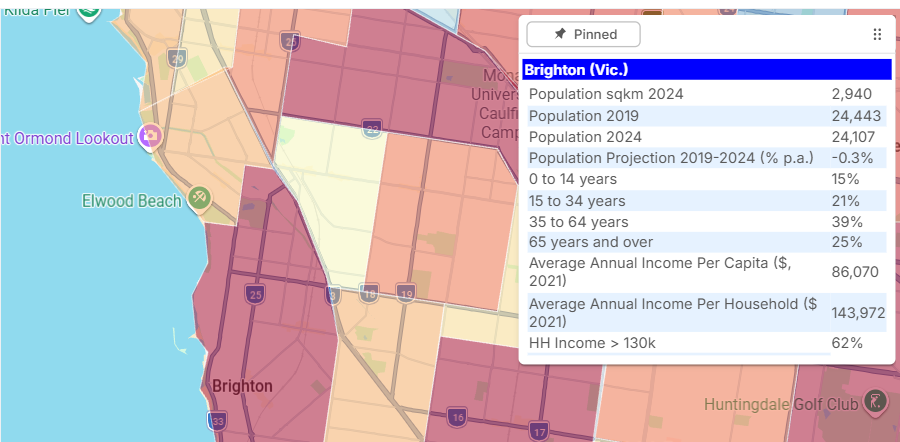
Layer Info Box
- Hover over an area with your mouse to view an information box
- To 'pin' the information box to an area, click on an area
- To 'unpin' the information box, click the 'pinned' button above the information box