'My Locations' section sits under 'Company Locations'. Locations saved here will not be assigned a location type (such as existing, closed) and will be visible only to you.
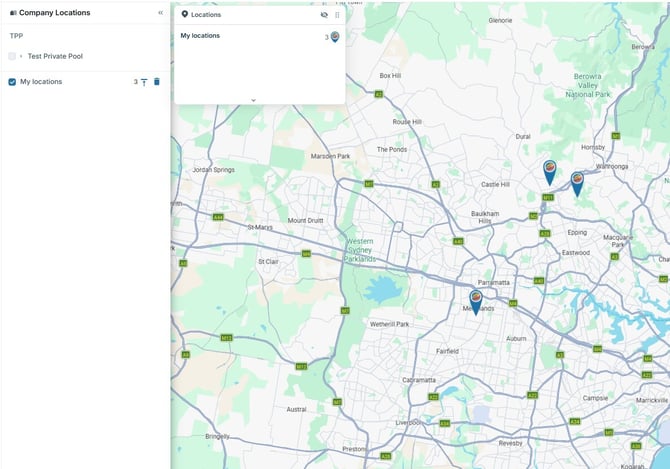
My Locations are most commonly used when you are initially analysing a site and are not yet ready to add it to a location type under company locations or share it with colleagues.
You are able to move a location saved under 'My Locations' into a company locations.
Save, view and edit My Locations
Saving:
- Search for a location or drop a pin to open the right hand panel
- Select 'Save Location to'
- Select 'My Locations'
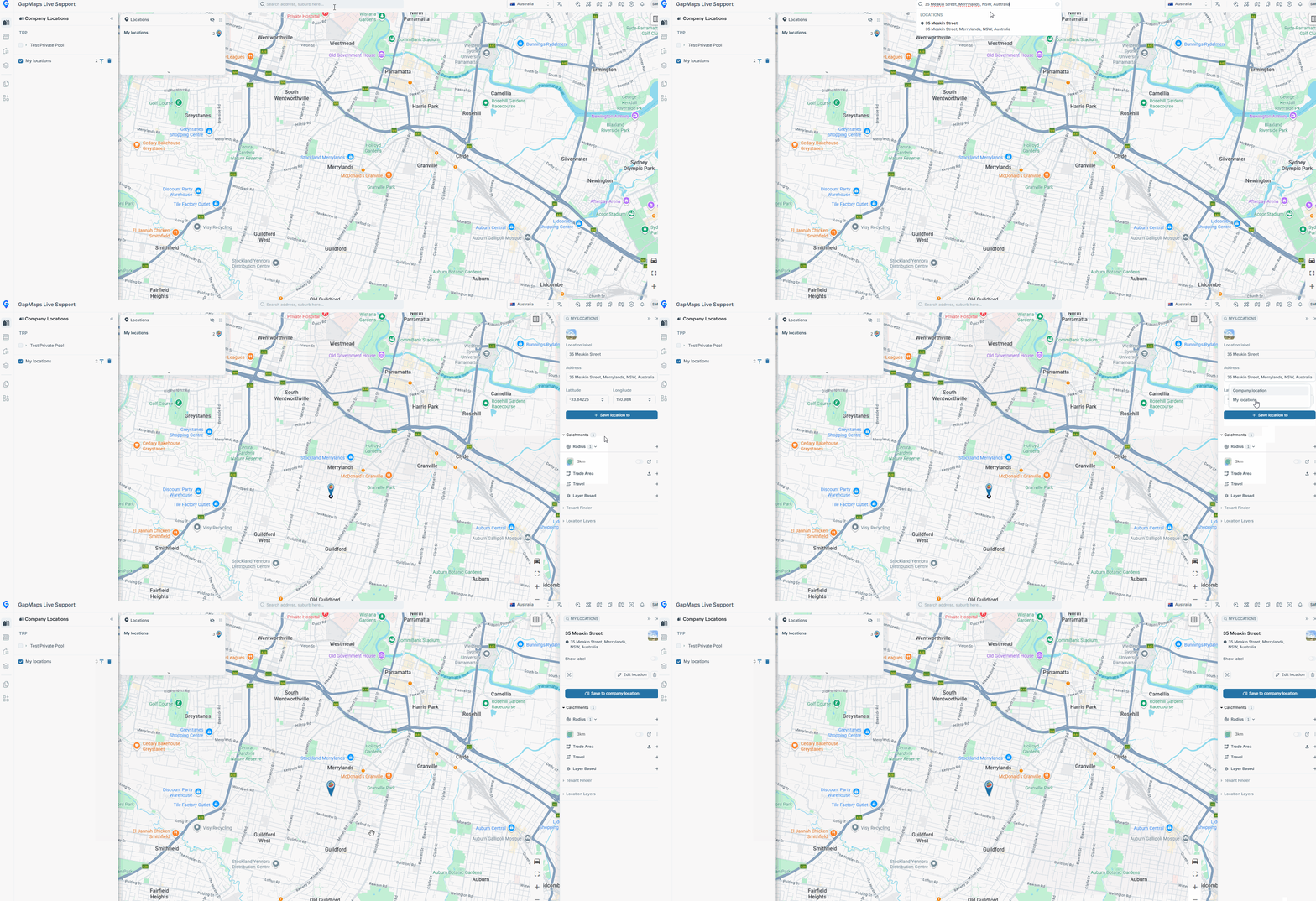
- Click the checkbox next to 'My Locations' under 'Company Locations'.
- My Locations will be represented by the thin blue pin

- Click the location you wish to update
- Click 'Save to Company Location' in the Pin Panel.
- Select the Business Pool and Location Type for the location
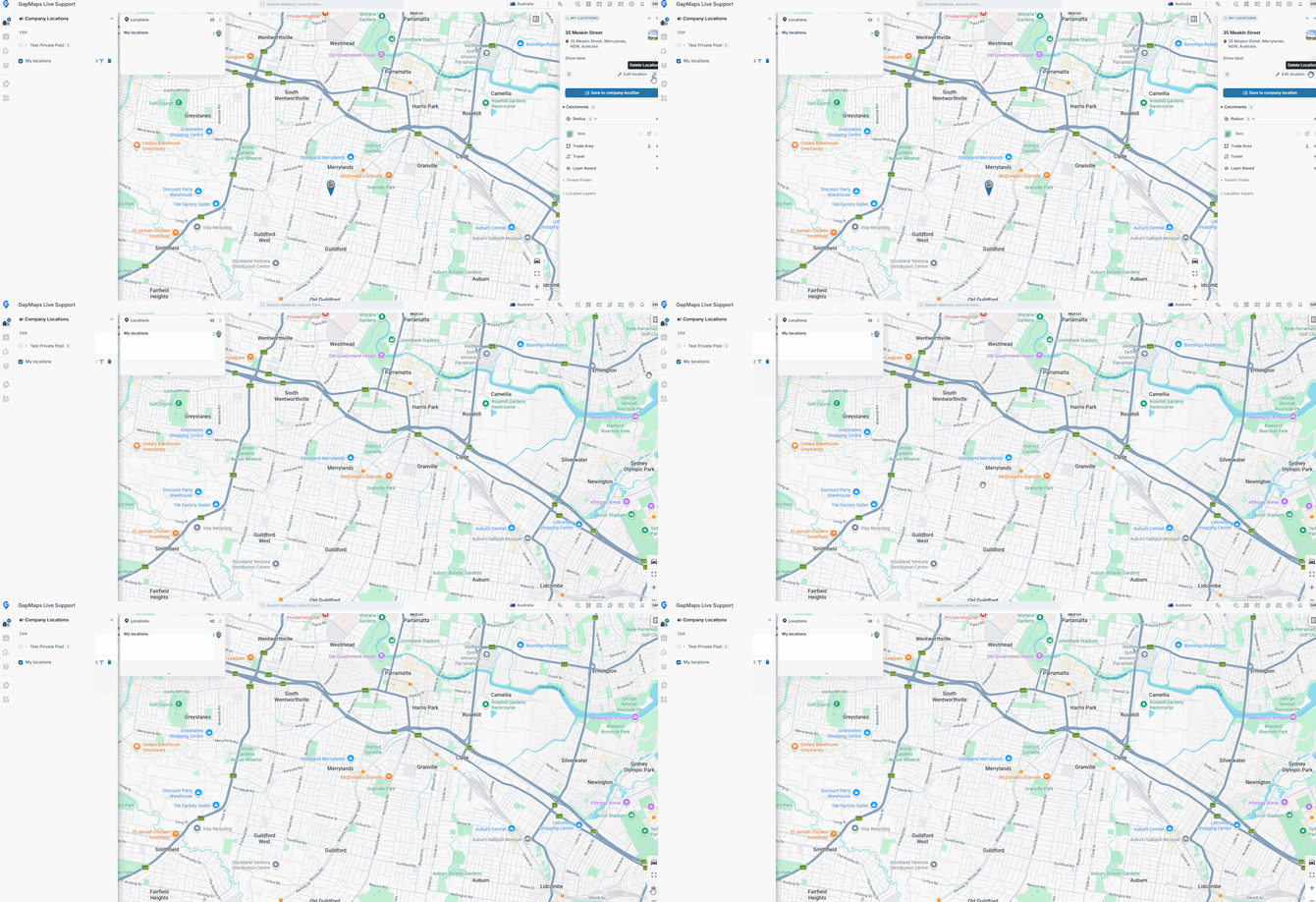
- Click the search location you wish to delete
- Click the delete location icon to delete the search location