
Map Exports allow you to download a copy of the map as displayed on your screen as a PNG, JPEG or WEBP format.
How to Export a Map
⚠️ Before you start⚠️
Ensure you have selected your preferred base map. Due to integration constraints, you cannot export the map with any Google Base Maps. Trying to do so will automatically change the exported base map to MapBox Streets.
Once you are happy with what is displayed on your map, click the 'export map' button in the top right of GapMaps.
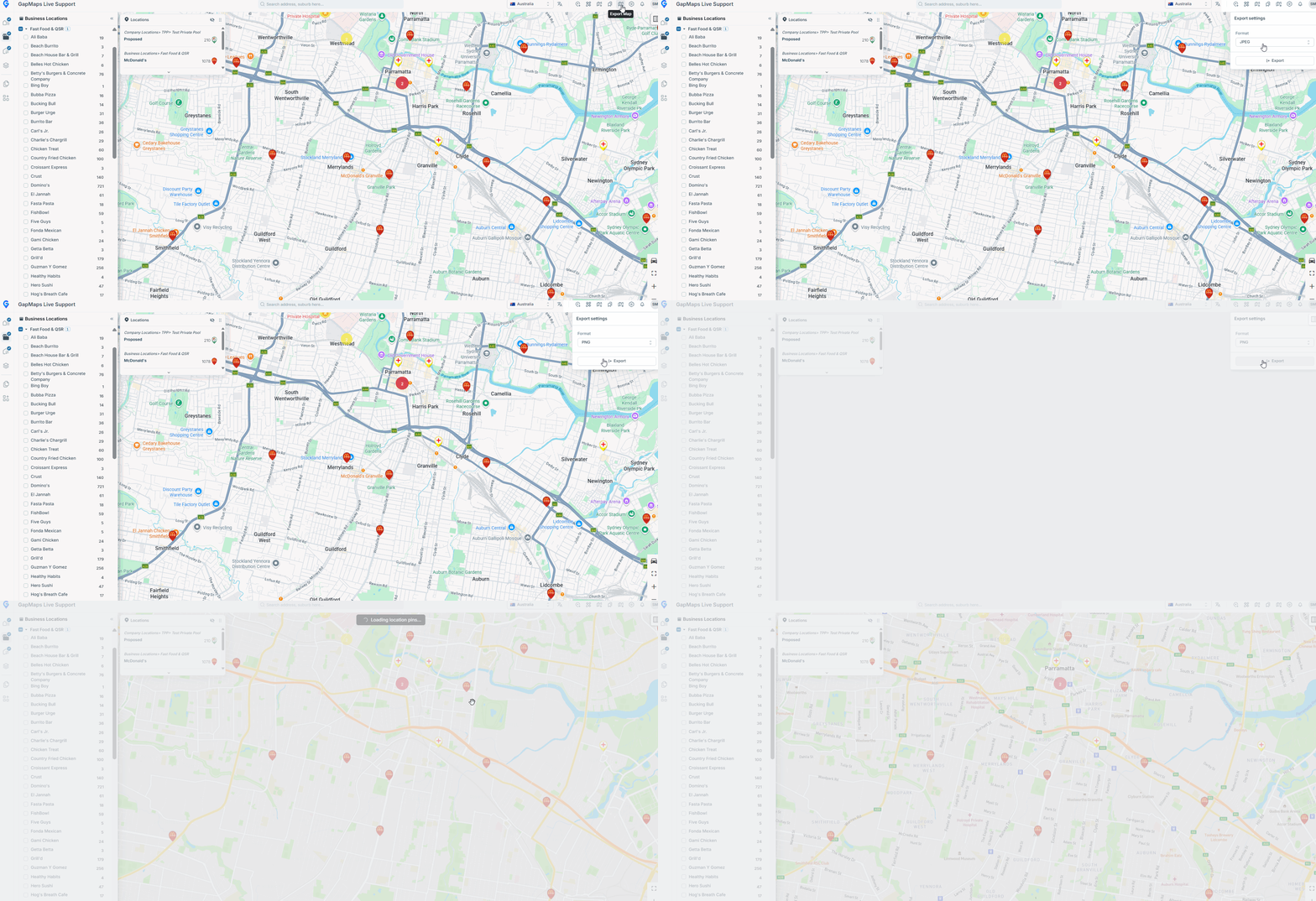
After a short delay, the download will commence.