
The Notification Centre keeps you updated when your reports are ready.
Instead of navigating back through workflows, you can access completed reports directly from one central panel.
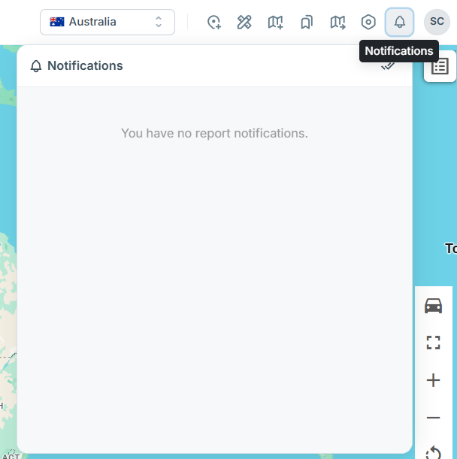
Accessing your notifications
Click the 🔔 icon in the top navigation bar. This opens the Notification panel displaying your recent report activity.
What will I be notified on?
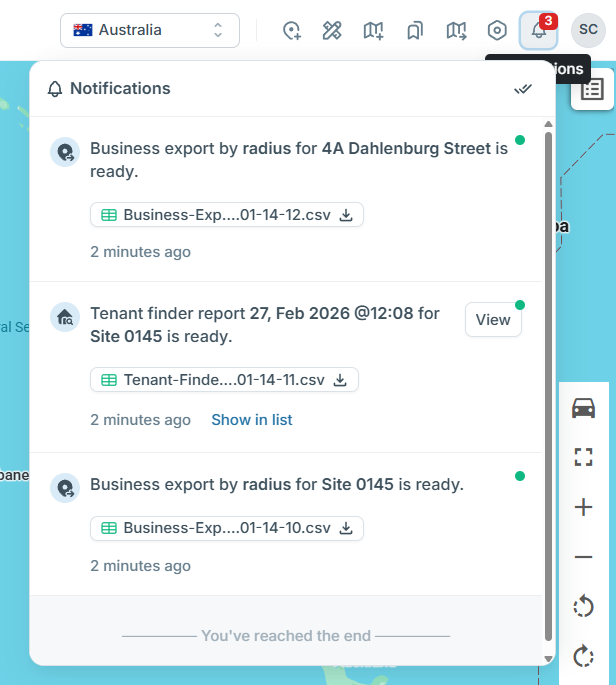
Most reports you generate in the platform will appear in the notifications section.
This includes:
- Business Export
- Tenant Finder
- Batch Travel
- Device Data
- Impact Analysis
- Portfolio Analysis
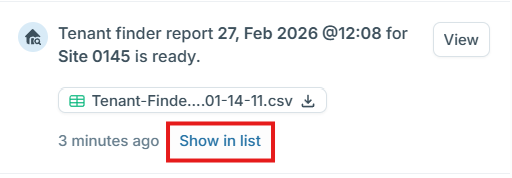
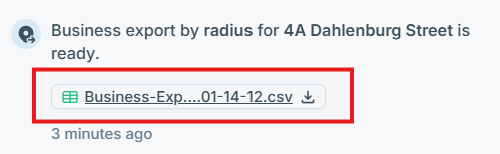
Once a report finishes generating, you’ll receive a notification here:
Who can see reports?
You will only see reports that you have personally generated.
Reports are not currently shared between users.
(Report sharing may be introduced in a future update.)
Read and Unread status
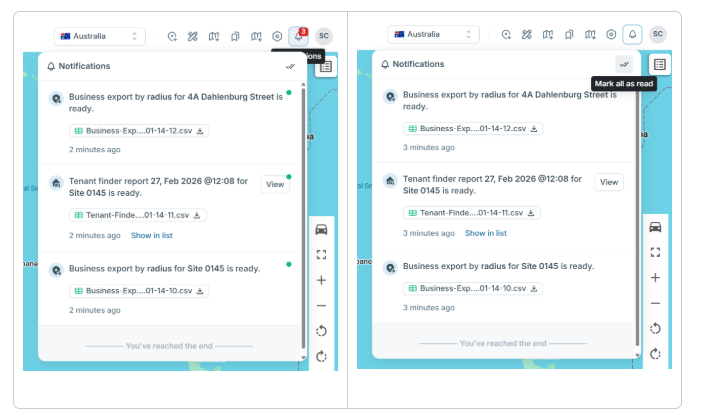
Unread notifications are highlighted so you can quickly spot new reports.
Once opened or downloaded, they will automatically be marked as read.
You can also click the double check button in the top right corner to mark all as read.
What actions are available?
View
Opens the report directly in the platform.
(Available for supported report types.)
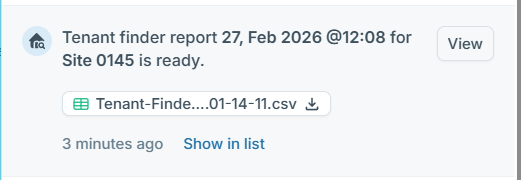
Show in List
Takes you to the report’s source location.
Download
Downloads the generated report file directly to your device.
Frequently Asked Questions
Why can’t I see my colleague’s report?
At this stage, reports are only visible to the user who generated them.
How long do notifications stay visible?
Notifications remain available in your panel for future reference unless manually cleared (if applicable).
I don’t see my report. What shold I do?
Check that:
- You generated the report under your login
- The report has finished processing
- You are in the correct environment or workspace
If it still doesn’t appear, contact support.