⚠️ ADMIN ACCESS REQUIRED⚠️
If you do not have Admin access, please reach out to client services via the chat icon or at clientservices@gapmaps.com for assistance.
In 'Setup Business Listings', you can control what is displayed in the Business Listings Section.
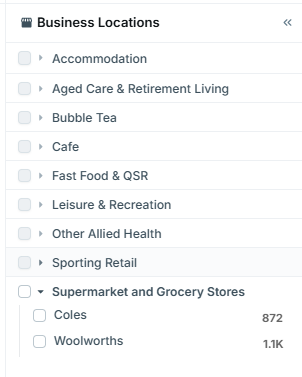
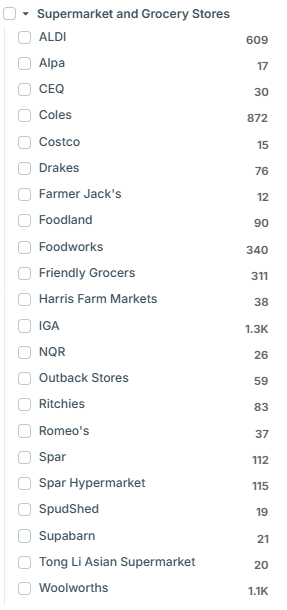
For example. your business may have access to all of the Supermarket and Grocery Store business listings, but you may only have interest in seeing two specific brands in that section and wish to remove the rest.
Accessing Setup Business Units
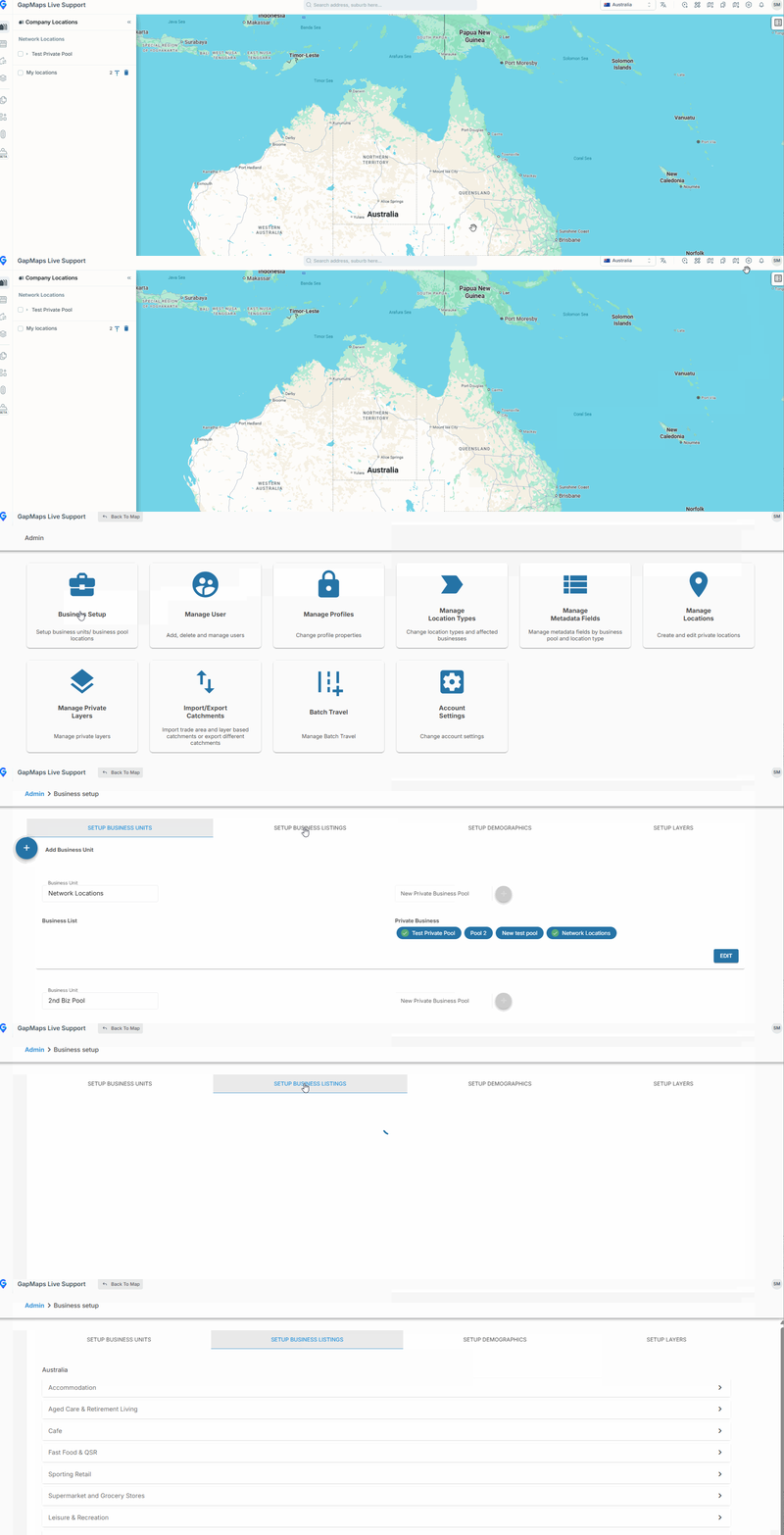
- Click on the 'Admin' button
- Click on 'Business Setup' > 'Setup Business Listings'
Adjusting Business Listings
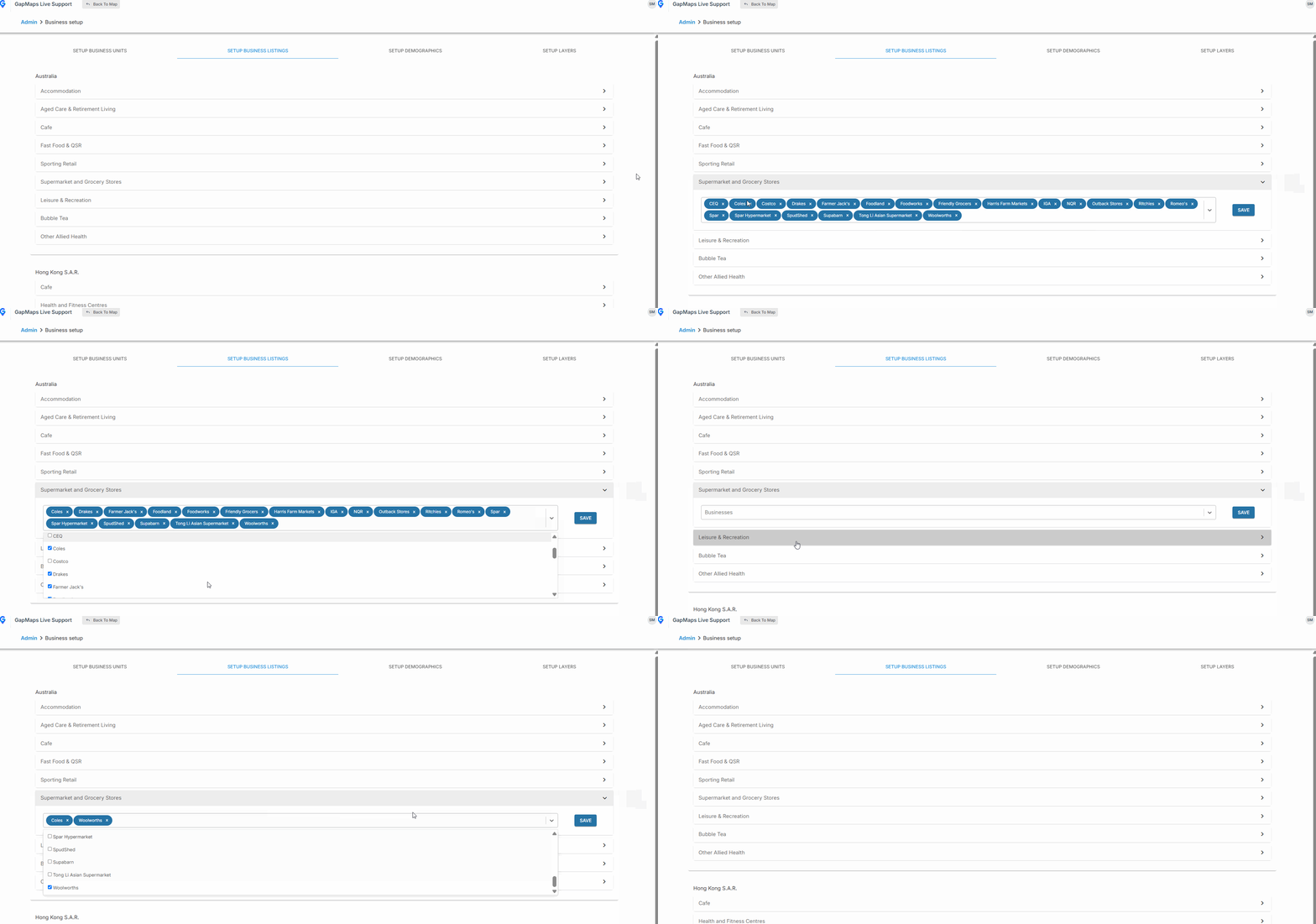
- Expand the Business Listing you wish to edit
- Either remove brands from the Business Listing by clicking the 'x' or you can expand the drop down to add/remove brands by ticking/un-ticking them (or selecting all/removing all)
- Click 'Save'
- Now only the brands in blue in the drop down list will be visible on the front end of GapMaps for that Business Listing