
GapMaps’ Traffic allows you to access traffic insights across major cities in Australia.
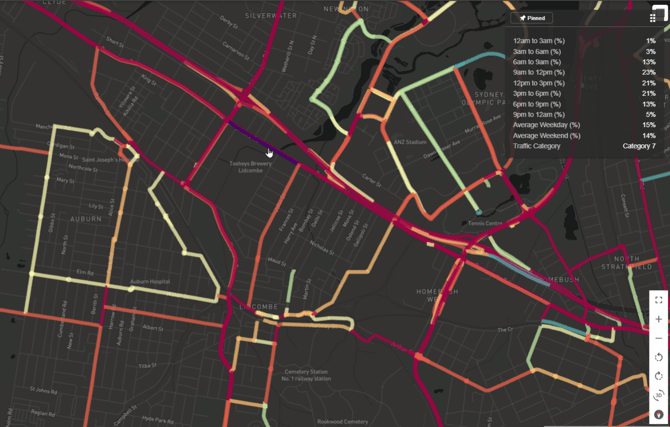
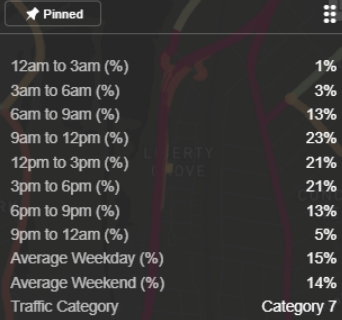
This data is visualised as average daily two-way traffic and is broken down into seven different categories of estimated volumes ranked high to low. The information box provides a breakdown of traffic by time of day in 3 hours blocks and traffic by weekend/weekday.
Visualising Traffic & Legend
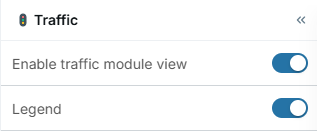
- Expand the ‘GapMaps Traffic’ module on the left hand side of the screen

- Click on ‘Enable traffic module view’ to visualise traffic
- Click on ‘Legend’ to visualise the legend
Visualising and Understanding Different Categories
GapMaps Traffic breaks is broken into seven different volume estimate categories, ranging from low traffic roads to high traffic roads.
Zoom in to an area surrounding a location and hover over a road. An information box will appear in the top right of the screen displaying additional information. To pin the information box for that road in place, click on the road,
Viewing Roads within Specific Categories
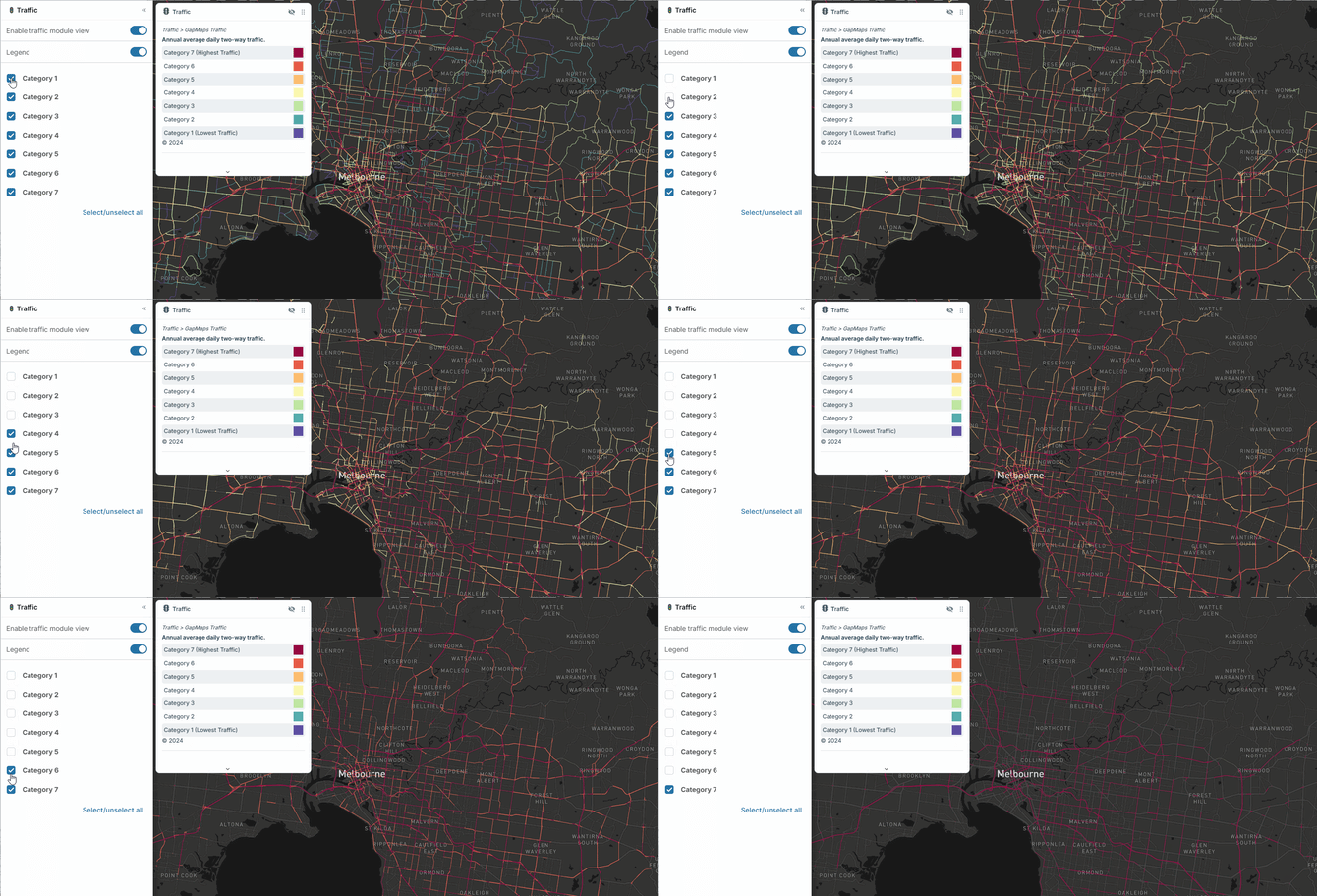
- Click the check boxes assigned to each category to display/hide your preferred categories
OR
- You can click ‘select/unselect all’ to show/hide all categories at once
NOTE: The category ranges cannot be changed or adjusted