
Viewing my Company Locations
How do I see my saved Company Locations?
Company Locations sits in the top section of the left-side panel.
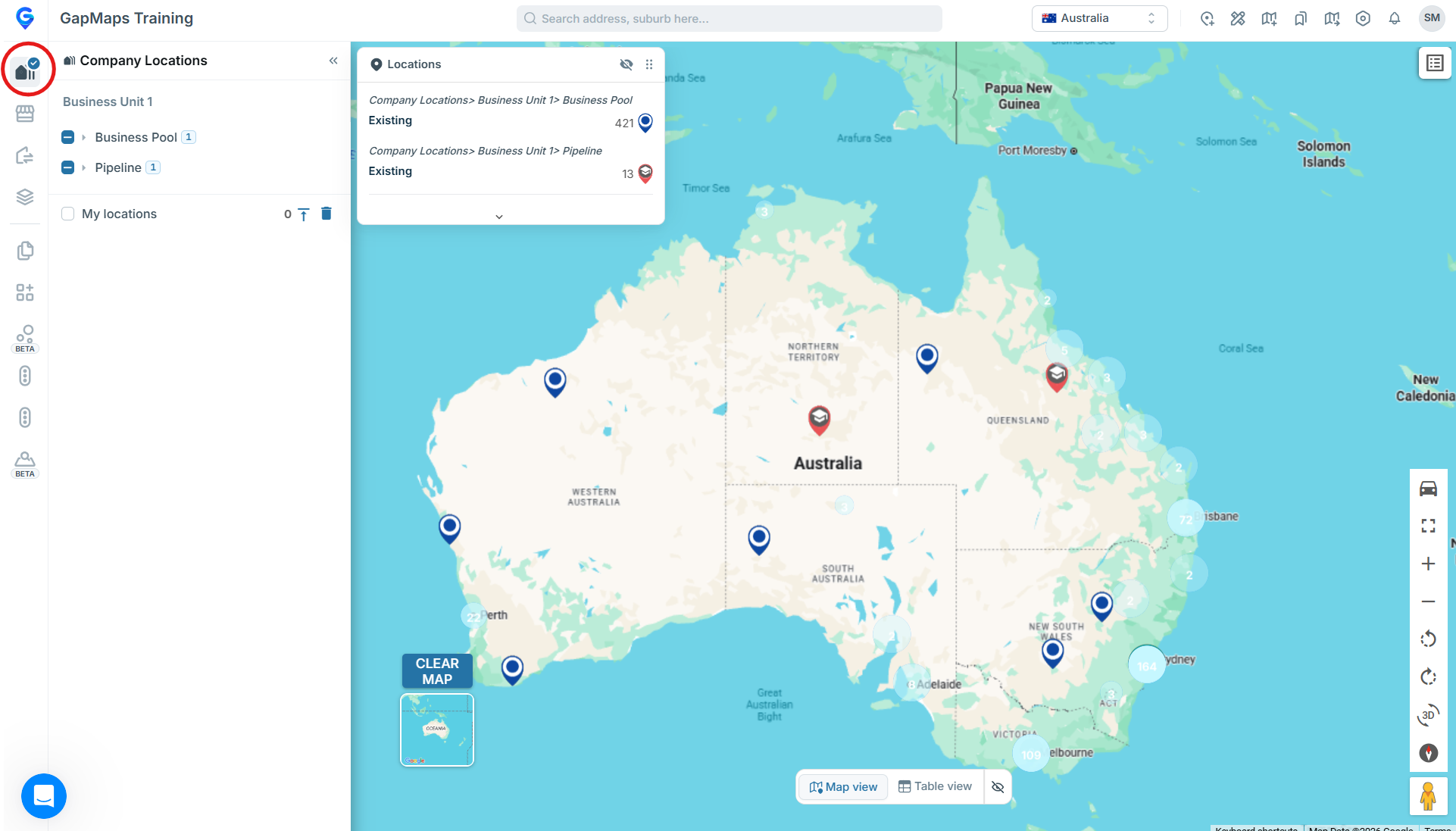
Your Company Locations are broken down into location types that will suit your businesses pipeline.
You can view your Company Locations by following the steps below:
- Expand the Company Locations section
- To view all company locations at once, select the check box on the company location's header
- To view one or multiple specific location types, select the check box next to the location types you wish to view
If you would like to update the location types contact your administrator or get in touch with us by starting a chat or email clientservices@gapmaps.com and the GapMaps team will help you.